A ggplot2 theme based on theme_bw() using Seer brand colors.
Usage
theme_seer(
  base_size = 11,
  base_family = "",
  base_line_size = base_size/22,
  base_rect_size = base_size/22
)Value
A list of ggplot2 objects, including the theme and default Seer color scales. Applying this to a ggplot object will set the Seer theme and apply default Seer palettes for color and fill aesthetics.
Examples
if (requireNamespace("ggplot2", quietly = TRUE)) {
    p <- ggplot2::ggplot(ggplot2::mpg, ggplot2::aes(displ, hwy, color = class)) +
        ggplot2::geom_point()
    # theme_seer() now also applies default Seer colors to points
    p + theme_seer()

    # To override the default palette from theme_seer, add a specific scale after:
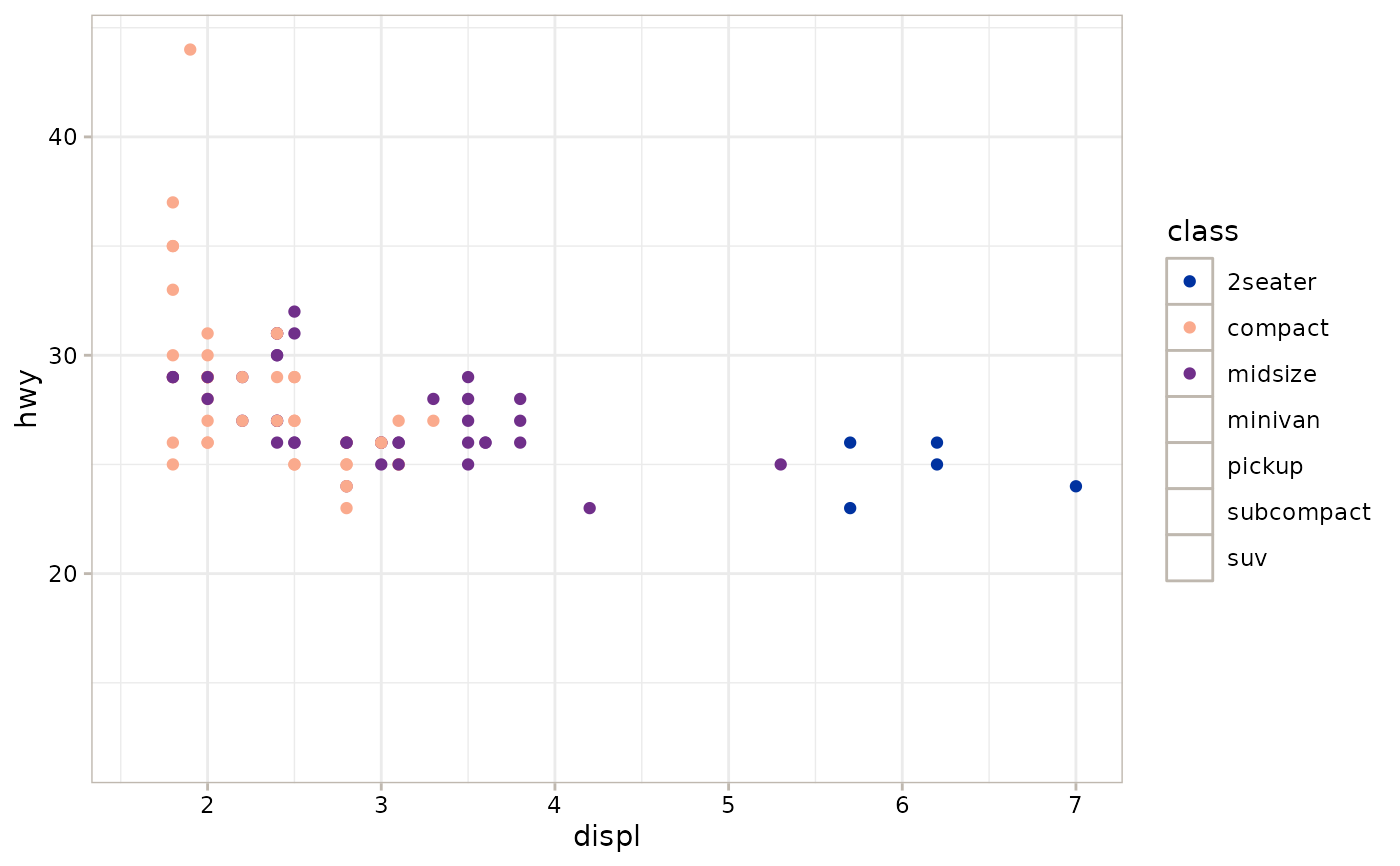
    p + theme_seer() + scale_colour_seer(palette = c("blue", "melon", "purple"))
}
#> Scale for colour is already present.
#> Adding another scale for colour, which will replace the existing scale.
#> Warning: This manual palette can handle a maximum of 3 values. You have supplied 7
#> Warning: Removed 141 rows containing missing values or values outside the scale range
#> (`geom_point()`).